
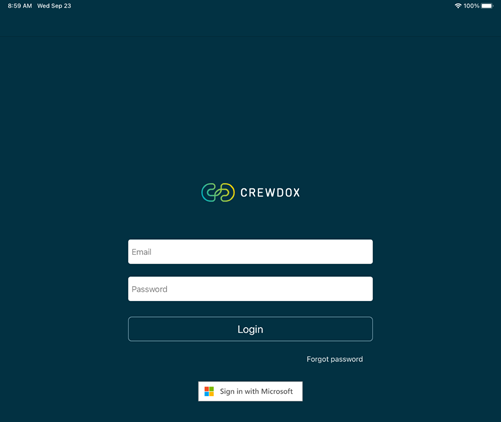
Please select download to open the instruction. You can open this instruction when needed. It will not disappear when completed.
You can also upload your documents via crewdox.flygbra.se
Pilot license, LICENSE, can only be updated if the photo shows both sides of the license. I.e you need to make a paper copy with both sides and the use ipad to take a photo or upload a PDF showing both sides from your computer via crewdox.flygbra.se
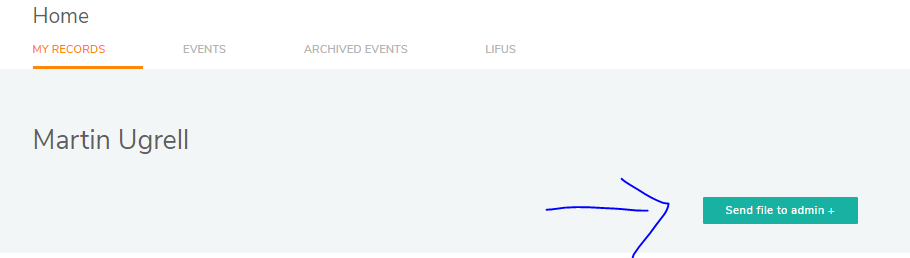

“Choose a record” Select one of the following
PASS = Passport
MEC = Medical – Cabin Crew
MEX = Medical – Pilot
LICENSE = Pilot License
Thank you for uploading your documents via Crewdox and helping the training department to be more efficient.
Please give me a call if you have a problem
Martin Ugrell 0761-299935